AI-Assisted Design File Cleanup Checklist
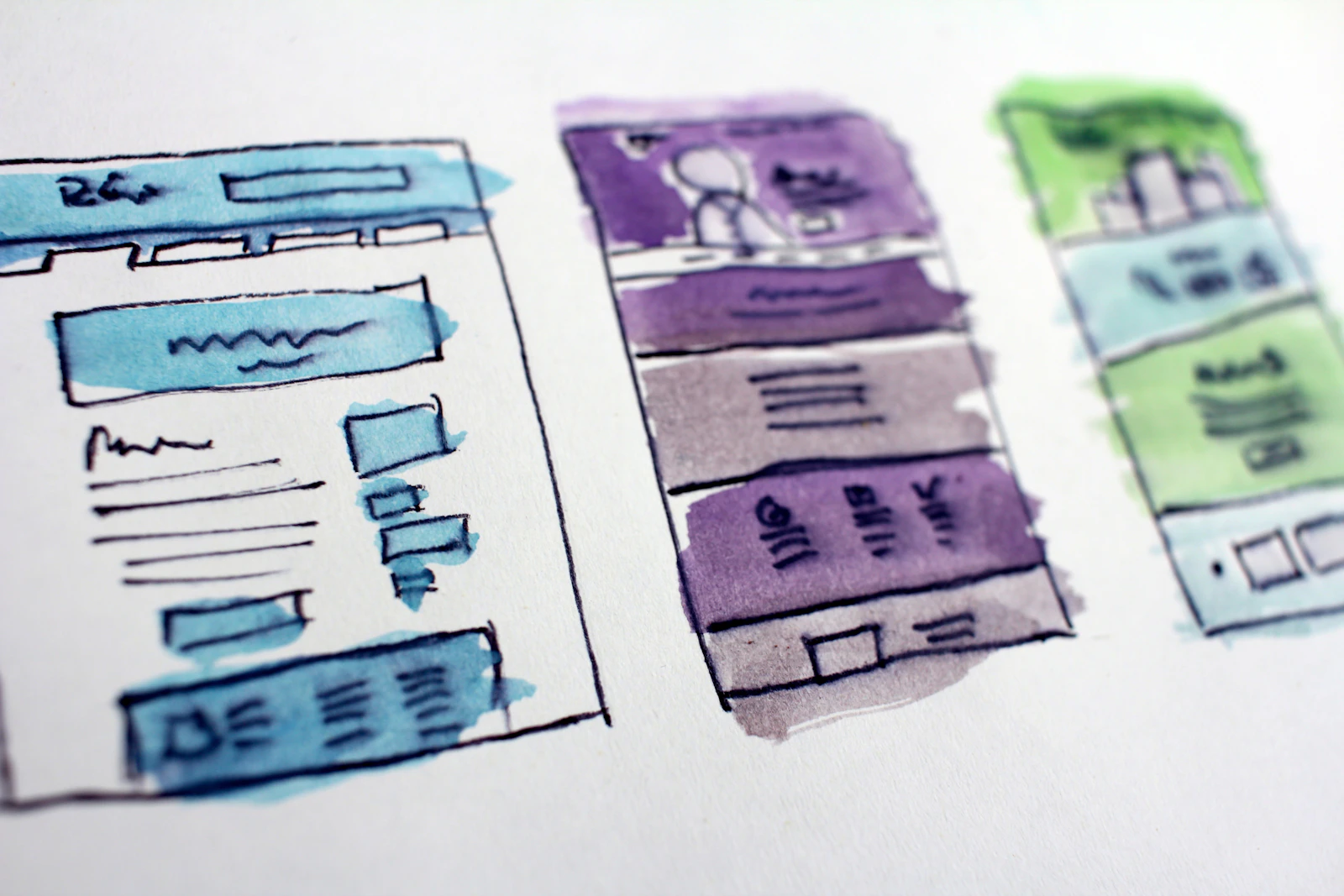
AI works best here as a second pair of eyes, not as an automatic file-cleanup tool. A reliable cleanup checklist therefore moves from inventory to classification to evidence-backed recommendations, with human approval for changes that could affect meaning, history, reuse, or the source of truth.
Define the cleanup boundary first
Before asking AI to inspect a file, record what is in scope. Identify the file or project, its current source of truth, the date of the review, and the types of content that may be examined. Include pages, frames, components, styles, variables, attachments, exports, comments, and linked references when they matter to the file’s use.
Also record what AI is not allowed to change. A useful boundary might permit read-only inspection and report generation while prohibiting deletion, bulk renaming, component detachment, structural moves, and changes to published libraries.
This distinction prevents a vague request such as “clean up this file” from becoming an irreversible operation. Structural inspection is a legitimate pre-build use case, but it does not tell you which structure is correct. A design-focused practitioner guide describes auditing a Figma file’s structure before development as one such use case (structural file auditing before implementation). For a broader process check, compare this boundary-setting step with guidance on how to audit a creative workflow before automating it.
Build an inventory before classifying anything
The first output should be an inventory, not a list of deletions. For each item, capture the fields that make later review possible:
- File, page, frame, component, style, variable, or attachment identifier
- Original name and location
- File type or object type
- Owner or likely owning team, if known
- Last-modified information, if available
- Reference code, library connection, or source link
- Usage indicators, such as instances, references, or incoming links
- Visible metadata and missing metadata
- Review status and proposed next action
Keep observed values separate from interpretation. “Name is Button final 2” is an observation. “Obsolete duplicate” is a classification that still needs evidence.
A practitioner workflow includes file classification, OCR, explicit metadata storage, and handling unsupported files as distinct concerns (practitioner workflow categories). Those categories are useful for structuring an inventory, but the example does not establish the workflow’s accuracy or efficiency.
Use AI to flag conditions, not make final judgments
AI can compare names, identify missing fields, group visually or textually similar items, extract text with OCR, and flag file types it cannot inspect reliably. Ask it to return the observed evidence alongside each flag. A useful result says what was found, where it was found, and why it matches a review rule.
Separate findings into three confidence bands:
- Report automatically: clear observations such as a missing name, an empty description field, an unsupported extension, or an exact duplicate identifier.
- Require human review: possible duplicates, inconsistent naming, unused-looking components, stale explorations, or conflicting reference codes.
- Do not act without additional evidence: proposed deletion, source-of-truth changes, ownership reassignment, component restructuring, or changes that could remove historical context.
These bands are workflow controls, not universal accuracy thresholds. The available evidence does not establish reliable confidence scores for duplicate detection, obsolescence, or deletion, so teams should not treat an AI-generated percentage as authorization.
Review each cleanup category differently
Names and reference codes
Check whether names follow the team’s documented convention, whether related items use consistent terms, and whether filenames or reference codes agree with the metadata. A practitioner demonstration describes checking design information against a document file reference code as a quick quality check (reference-code consistency check). Use that idea as a candidate validation, not as proof that a naming rule is correct for every project.
A person should approve renames when names carry historical meaning, map to external documentation, or affect library references. Preserve the original name in the cleanup record.
Metadata and provenance
Check for missing descriptions, owners, dates, source links, status fields, and usage notes. Metadata is valuable only when its meaning is explicit. If “approved,” “deprecated,” or “draft” has no defined owner or rule, AI can report the ambiguity but cannot resolve it.
For every proposed change, preserve provenance: the original location, the observed value, the proposed value, the evidence used, and the person responsible for approval. A lightweight record can follow the same rationale-preservation principles described in guidance on how to document design-system decisions.
Duplicates and near-duplicates
Exact duplicates may be identifiable from stable identifiers or matching content. Near-duplicates are different. Two button components can look alike while serving different interaction states, products, accessibility requirements, or ownership boundaries.
Ask AI to group candidates and explain the similarity signal. Then have the component owner decide whether the items are duplicates, intentional variants, historical references, or candidates for consolidation. Never turn visual similarity alone into a deletion rule.
Unsupported content
Record files or objects AI cannot inspect, including unsupported extensions, missing permissions, broken links, unreadable attachments, and content that requires a visual or interactive review. Unsupported does not mean obsolete. It means the current inspection method is insufficient.
Route these items to a named reviewer or a separate manual queue. Do not allow an incomplete inspection to produce a clean-file status.
Apply reversible actions before destructive ones
Use the least consequential action that resolves the immediate problem. A practical order is:
- Add a label, status, or review note.
- Generate a report with the original location and evidence.
- Move an uncertain item to a controlled quarantine or archive area.
- Rename or restructure only after the owner confirms the effect on references and history.
- Delete only when the responsible reviewer explicitly approves removal and a recovery path exists.
Archiving and quarantine are not interchangeable. Archive preserves an intentional historical or inactive state; quarantine isolates an uncertain item while its status is investigated. Deletion should be reserved for content whose purpose, ownership, dependencies, and recovery options have been checked.
Use explicit review gates
A cleanup candidate should not move directly from “flagged” to “changed.” Require a gate for each consequential category:
- Meaning gate: Could the action alter how a component, screen, or asset is understood?
- Dependency gate: Could another file, library, product, or handoff reference it?
- Ownership gate: Has the responsible designer or system maintainer reviewed it?
- History gate: Would the action remove context needed to understand past decisions?
- Recovery gate: Can the original state be restored if the classification is wrong?
If any answer is unknown, keep the item unchanged and record what information is missing. Human review is not needed for every missing label, but it is needed when the proposed action changes meaning, structure, ownership, or recoverability.
Keep a lightweight cleanup record
For each approved or rejected candidate, record:
- Item identifier and original location
- Observed condition
- AI classification or recommendation
- Evidence supporting the flag
- Proposed action
- Reviewer and decision date
- Final action or reason for no change
- Archive, quarantine, or rollback reference
A record like this makes the cleanup auditable without requiring a transcript of every AI prompt. It also distinguishes an unchanged item from a missed item: “reviewed and retained” is different from “not inspected.” Source-material codification and a checklist are also described as parts of an AI-augmented design practice (codifying source material before AI-assisted work).
A hypothetical review in practice
Suppose an AI inspection flags several similarly named button components, missing file references, and unsupported attachments. The correct next step is not bulk cleanup. The workflow places each finding in a report, links it to the observed name or metadata condition, asks the component owner to classify possible duplicates, and routes unsupported attachments to manual review. Items approved for removal are archived or quarantined before deletion, and the cleanup record preserves the original locations and decisions.
That example illustrates the boundary: AI organizes evidence and prioritizes attention; people decide whether an item is redundant, obsolete, authoritative, or worth preserving. The workflow claims no measured time saving or accuracy improvement. Its value is that uncertain classifications remain visible before they become destructive changes.
A clean design file is not simply one with fewer objects. It is one whose names, relationships, ownership, history, and source-of-truth status can be explained. Use AI to make those conditions easier to inspect, then keep consequential changes explicit, reversible where possible, and recorded.