How to Check Technical Tutorial Prerequisites
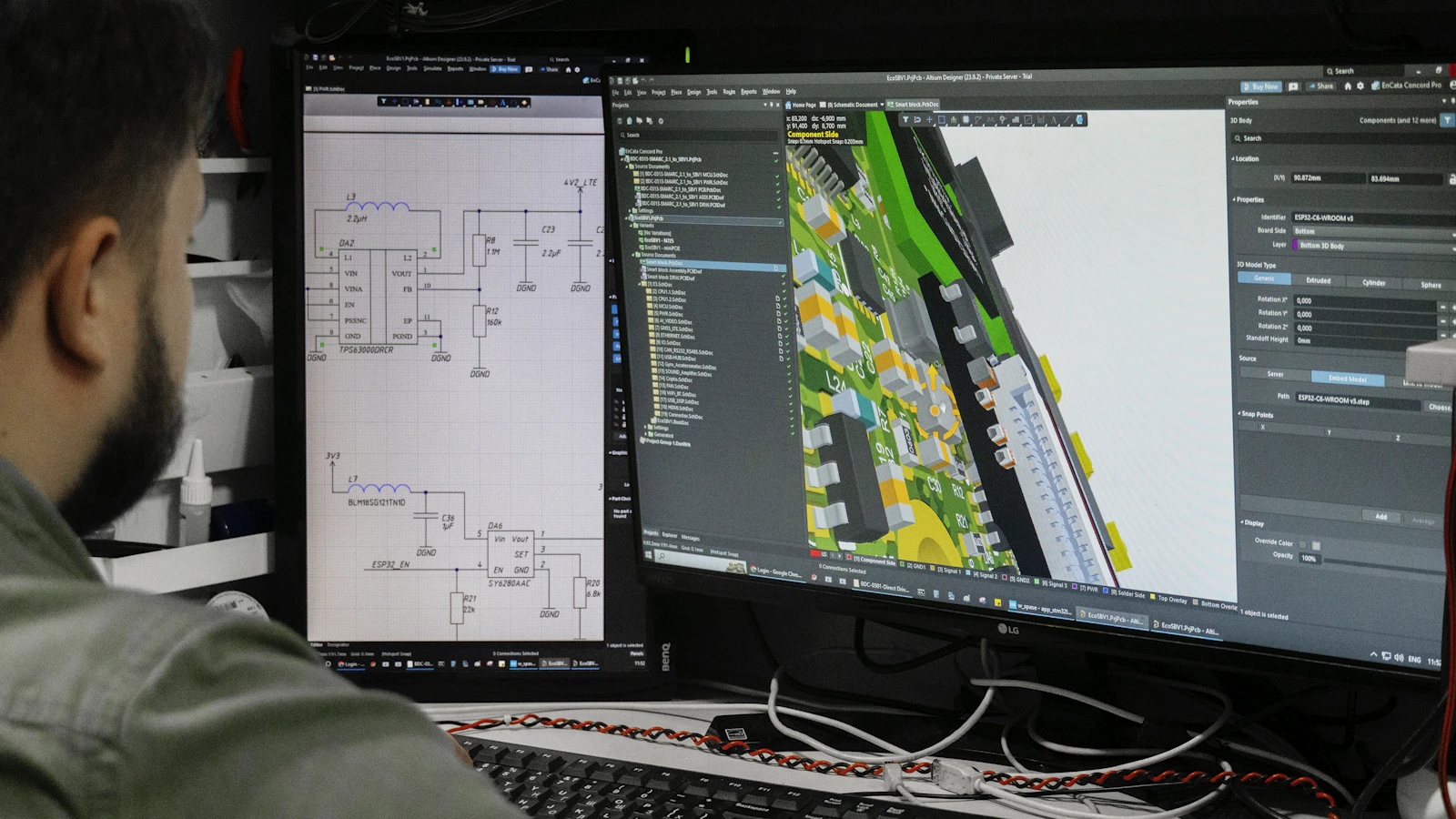
A technical tutorial can give readers correct commands and still fail them at the first meaningful step. The missing piece may be a runtime version, an existing project directory, a page bundle, an account permission, or knowledge the author assumed without noticing. To check technical tutorial prerequisites, work backward from each action and identify what must already be true for it to succeed.
The practical method is a step-to-dependency audit. For every command, configuration change, file edit, or expected result, record the required software, version, files, project state, access, permissions, prior knowledge, and verification condition. Then classify each dependency as stated, inferable, testable, or missing. This reveals more than a generic “before you begin” section because it connects requirements to the actions that depend on them.
Define what counts as a prerequisite
A prerequisite is any condition that must exist before a tutorial step can work as described. Some are obvious: an installed tool, an account, or a source repository. Others are embedded in the instruction itself. “Add the image to the page bundle” assumes the reader knows which content structure is being used, where the bundle lives, and which filename the later build expects.
Separate prerequisites from optional recommendations. A preferred editor, optional plugin, or faster workflow may improve the experience without being necessary. A permission to write to the deployment branch is a prerequisite if the tutorial tells readers to publish there. Mixing both categories makes the starting boundary difficult to understand.
A useful audit asks what the reader needs before the first action, what changes between later actions, and what must be true before the expected result can be checked. The last question matters because a command can finish without producing the state the tutorial promises.
Extract dependencies from every step
Begin with the tutorial’s actual procedure rather than its existing setup paragraph. Mark each action that changes or relies on state:
- installing or invoking software;
- creating, moving, or editing a file;
- changing configuration;
- accessing a repository, account, service, or deployment target;
- relying on an earlier command or a specific project structure;
- checking a build, preview, rendered page, test, or other output.
For each action, ask: “What must be true immediately before this works?” Record the answer in a prerequisite inventory with five fields:
- Dependency: the tool, version, file, permission, knowledge, or state required.
- Scope: whether it applies to the whole tutorial or only to one step or path.
- How to establish it: an installation instruction, file-creation step, access request, or prior tutorial.
- Verification: a command, visible state, file check, or expected output the reader can inspect.
- Failure boundary: what the tutorial does not support, or what the reader should do if the check fails.
This inventory is an editorial analysis framework, not a validated measurement standard. Its purpose is to make assumptions inspectable and give the author a concrete basis for revision.
A dependency can be global or local. The repository and runtime may apply to the entire guide, while a particular image file may be required only for a page-bundle step. Treating every requirement as global makes the opening unnecessarily heavy; treating local requirements as implicit leaves readers guessing at the point of failure.
Classify each prerequisite by visibility
Stated
The tutorial names the dependency and gives enough scope for the reader to understand what is required. “Use Hugo Extended 0.125 or later for this guide” is stated, although it still needs a way to verify the installed version if compatibility matters.
Inferable
The reader can probably deduce the dependency from context, but the tutorial does not say it directly. A command that edits config/_default/params.toml may imply a particular project structure. Inferable requirements are risky because experienced readers fill gaps automatically while newer readers may not know which assumption they missed.
Testable
The tutorial gives the reader a way to check the condition, even if the condition is not fully explained. A version command, file-path check, or preview URL can make a starting state testable. Testability improves the audit, but it does not replace a clear description of what the check means.
Missing
The step depends on a condition that is neither described nor checkable. A missing prerequisite is a publication defect when the reader cannot establish the required state without guessing, searching elsewhere, or relying on the author’s private setup.
These categories can overlap. A version may be stated and testable; a project directory may be inferable but not testable. The goal is to identify whether the reader can understand, establish, and verify the condition.
Check software and version boundaries
List every tool that the tutorial installs, invokes, or assumes. Include the main generator or framework, package managers, runtimes, command-line utilities, browser tools, extensions, and services. Then ask whether the instructions depend on a particular release, edition, operating system, framework adapter, or configuration mode.
Version information belongs in two places. The prerequisite section should define the supported starting boundary. The relevant step should also identify a version-sensitive command, setting, or interface when a reader could otherwise apply the instruction to an incompatible release. A general version note does not explain which later action is affected.
Hugo’s documentation spans installation, CLI usage, configuration, content management, modules, and troubleshooting. A Hugo tutorial may therefore need to state more than “Hugo is installed.” The exact requirements still depend on the tutorial’s scope; the documentation categories do not prove that every guide needs all of them.
The same principle applies to project tools. Storybook’s documentation distinguishes installation, framework support, stories, testing, accessibility, visual testing, and CI. A tutorial that adds Storybook to an existing application should identify which project context and capability it actually uses rather than presenting Storybook as an isolated command.
Avoid unsupported compatibility promises. If the author has checked one runtime and one framework, describe that tested path. If other combinations may work but have not been checked, narrow the claim or explain what the reader must verify.
Inspect files and starting state
Many tutorials fail because their first command assumes an existing state that the opening never establishes. Look for references to:
- a repository that has already been cloned;
- a site or application directory;
- a specific branch or commit;
- a configuration file;
- a content section or page bundle;
- an asset with an exact name and location;
- installed dependencies;
- generated output that should be removed or preserved;
- a previous tutorial or setup step.
Compare the declared starting state with the first irreversible action. If the guide tells readers to overwrite a configuration file, publish a branch, delete generated output, or migrate content, the required starting state must be especially precise. State what can safely be changed and what the reader should preserve.
A file requirement should be concrete enough to check. “Add an image to the page” leaves open which page, directory, file format, and content structure the tutorial expects. Those details belong beside the step if they apply only there.
Check access, permissions, and prior knowledge
Access requirements are often hidden because authors already have them. Audit references to private repositories, paid services, organization accounts, environment variables, deployment credentials, filesystem permissions, network access, and protected branches. Say whether the reader needs an account, role, token, or approval from someone else. Never imply that readers should copy real credentials into a command or commit them to a repository.
Prior knowledge is also a dependency. A guide may assume familiarity with Git, YAML, shell commands, package managers, Markdown, HTTP, or the difference between local preview and production deployment. The solution is not to explain every adjacent concept. State the expected level and point to a focused prerequisite when missing knowledge blocks the procedure.
A system-requirements checklist can list baseline requirements without confirming that a particular environment will work. The PSI system-requirements example illustrates the distinction between declaring requirements and running a separate environment check. Technical tutorials should make the same distinction.
Add verification and failure conditions
Every material prerequisite should have a check proportionate to its risk. Examples include:
- a version command for a runtime or generator;
- a file listing that confirms the expected path;
- a permission check against the actual repository or service;
- a local build or preview that confirms the selected configuration;
- an expected output that distinguishes success from a command that merely exited.
Define what the reader should see and what to do when the result differs. “Run the build” is not a complete verification condition if the guide does not say whether warnings matter, where output appears, or which page should be inspected. Verification does not need to become a full troubleshooting manual, but it should prevent readers from continuing with an unknown starting state.
Use a stop rule: if a dependency cannot be stated or verified, narrow the tutorial’s promise. A guide can intentionally support one operating system, framework adapter, repository structure, or deployment path. Narrow scope is more useful than a broad compatibility claim that leaves readers to discover its limits.
Rewrite the opening and affected steps
After the audit, create a concise prerequisite section organized around the reader’s decisions. Include the supported environment, required access, starting files or project state, expected skill level, and first verification commands. Then place local dependencies beside the steps that need them.
Do not bury every detail in the opening. A global requirement belongs near the beginning; a page-bundle image belongs beside the page-bundle instruction; a deployment permission belongs before the publishing action. This keeps setup readable while preserving the dependency-to-step connection.
For a related review of version-specific instructions, see audit version-sensitive tutorial instructions. Keep that narrower audit separate: version drift is one dependency category here, not the central question.
A hypothetical before-and-after example
Imagine a hypothetical Hugo tutorial that begins, “Create a new content page,” later edits a page-bundle image, and ends by running a build command. The opening sounds simple, but it leaves several conditions unstated: Hugo must be installed, the version may matter, the reader needs an existing site directory, the page must use the expected bundle structure, the image must be in a particular location, and the build command may depend on a mode or configuration.
A clearer opening would say what environment the tutorial supports, how to confirm the Hugo version, which existing site directory to use, and what starting files should be present. The image step would specify the page-bundle structure and provide a path check. The build step would name the build mode, identify the output location, and state which rendered page demonstrates success.
That rewrite does not prove that every environment will reproduce the result. It makes the supported path visible and gives readers a way to distinguish an omitted prerequisite from a later implementation error.
Know what the audit can establish
A prerequisite audit can establish whether a tutorial’s stated scope is internally supported: the actions have visible dependencies, the required starting state is described, and material conditions have verification methods. It cannot prove universal reproducibility across operating systems, versions, permissions, network conditions, project structures, or undocumented local differences.
It also cannot turn an untested compatibility claim into a fact. A successful run on the author’s machine confirms one path, not every path a reader might take. Record the environment that was checked, distinguish tested conditions from plausible alternatives, and revisit version-sensitive instructions when the supported toolchain changes.
The final editorial decision is straightforward. Publish when readers can establish the promised starting state without guessing. Revise when a dependency is clear but its scope or verification is weak. Narrow the tutorial when an important dependency cannot be verified. A tutorial earns trust not by listing the longest setup section, but by making every condition that matters to its steps visible and checkable.